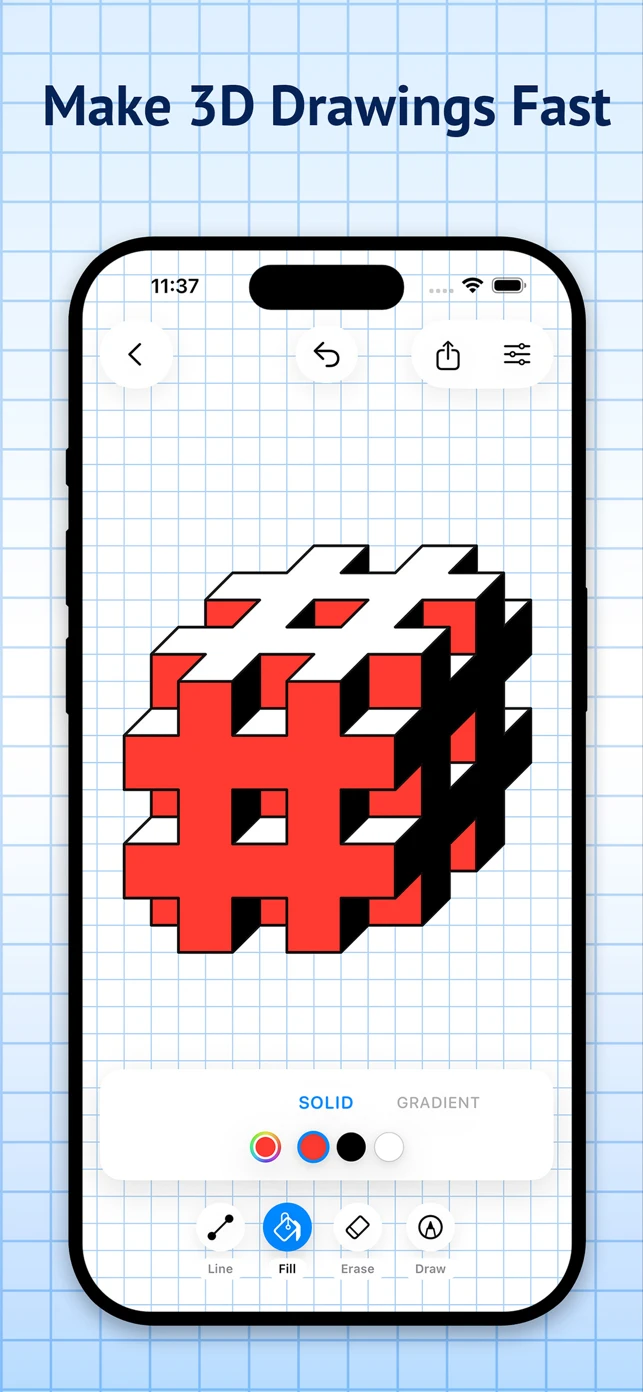
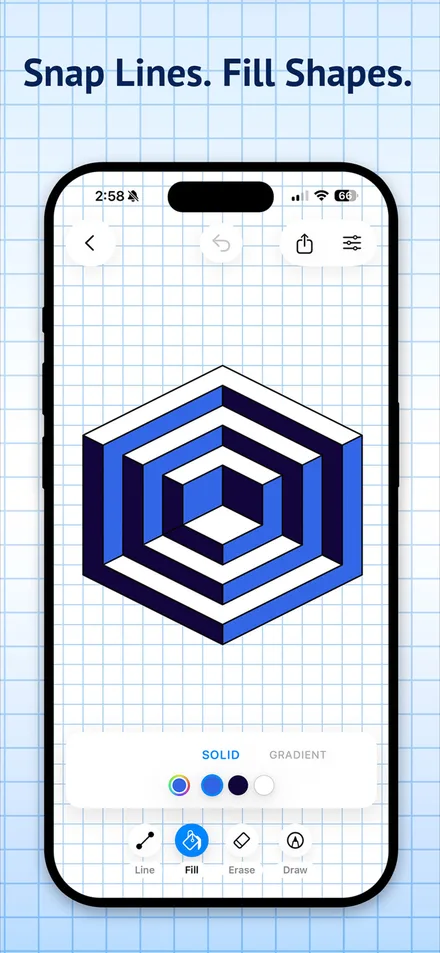
A focused workspace for geometric and 3D drawings on graph or dot paper — place lines that snap with precision, fill shapes with solid or gradient color, and export clean PNGs.

App Store rating
13 ratings · as of July 2026 · US App Storeplatforms — iPhone, iPad & Mac
Apple Pencil supportedunlimited undo & redo
experiment fearlesslysign-ups or internet required
offline-first by designEverything below ships in the real app today — line up your grid, fill your shapes, and export something worth pinning to the fridge.
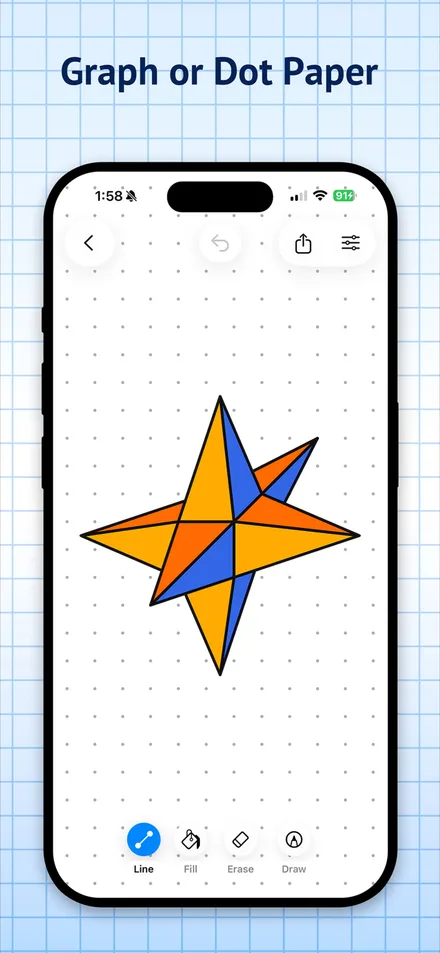
Place anchored lines with snap and precision controls for confident placement — then fill closed shapes with solid color in one tap.
Line + Fill
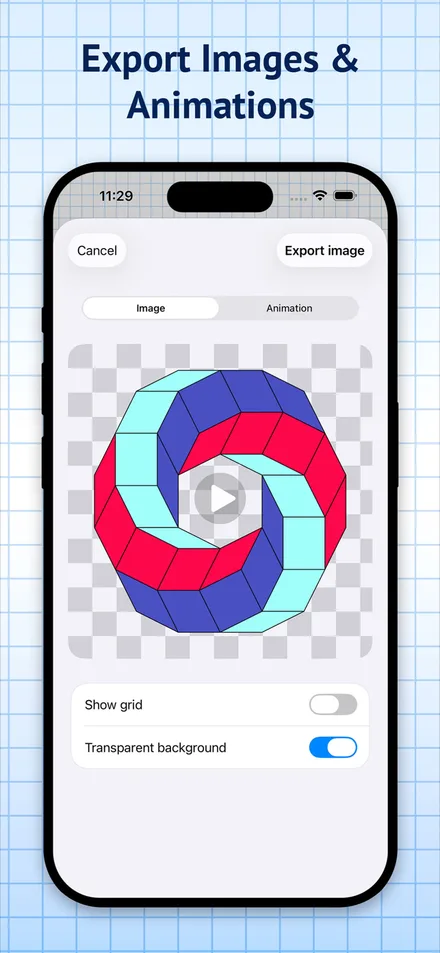
Export on a solid background, with grid or dots showing, or as a transparent PNG — then share straight from the export sheet.
Clean exports
Switch papers anytime — and with Pro, customize paper color, grid line color and thickness, dot color and size, and drawing line widths.
Paper you control
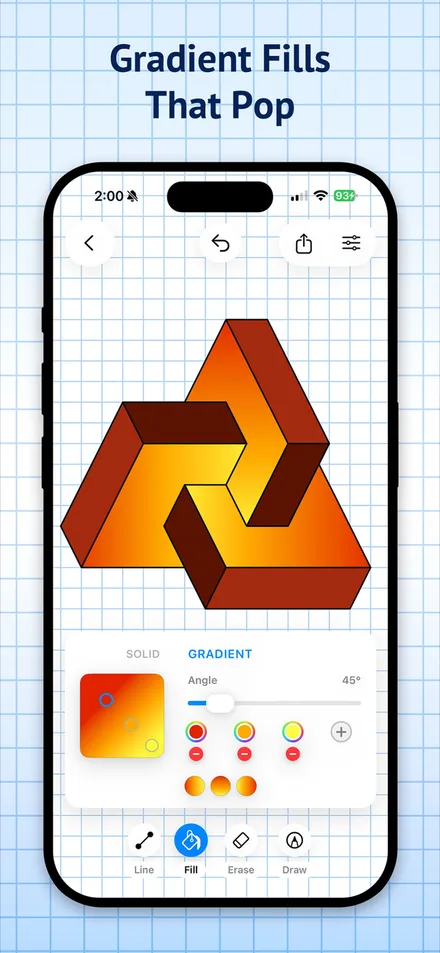
Fill closed shapes with gradient color — set the angle, add color stops, and bring 3D drawings and diagrams to life.
Gradient fill


Pick any one. Extra credit for all four.
Build the classic graph-paper 3D doodles and cube drawings, only faster.
Snap precise lines into eye-bending optical illusions.
Lay out isometric-style sketches on graph or dot paper.
Draw tidy geometric diagrams and export them as clean PNGs.
from 13 App Store ratings — early days, sharp pencils
Rating shown as of July 2026 · Graph Paper Pro, US App StoreFree download · iPhone, iPad & Mac